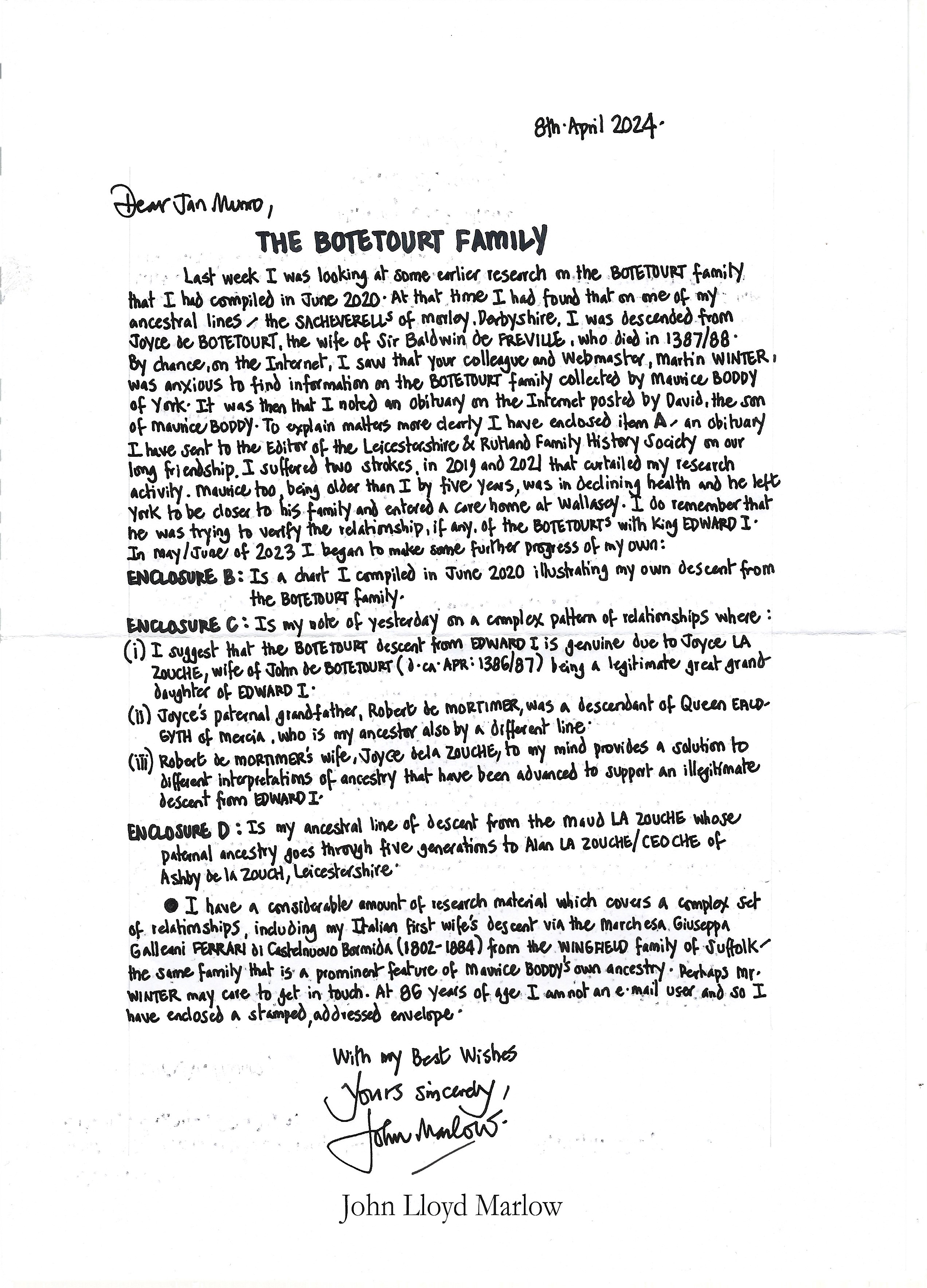
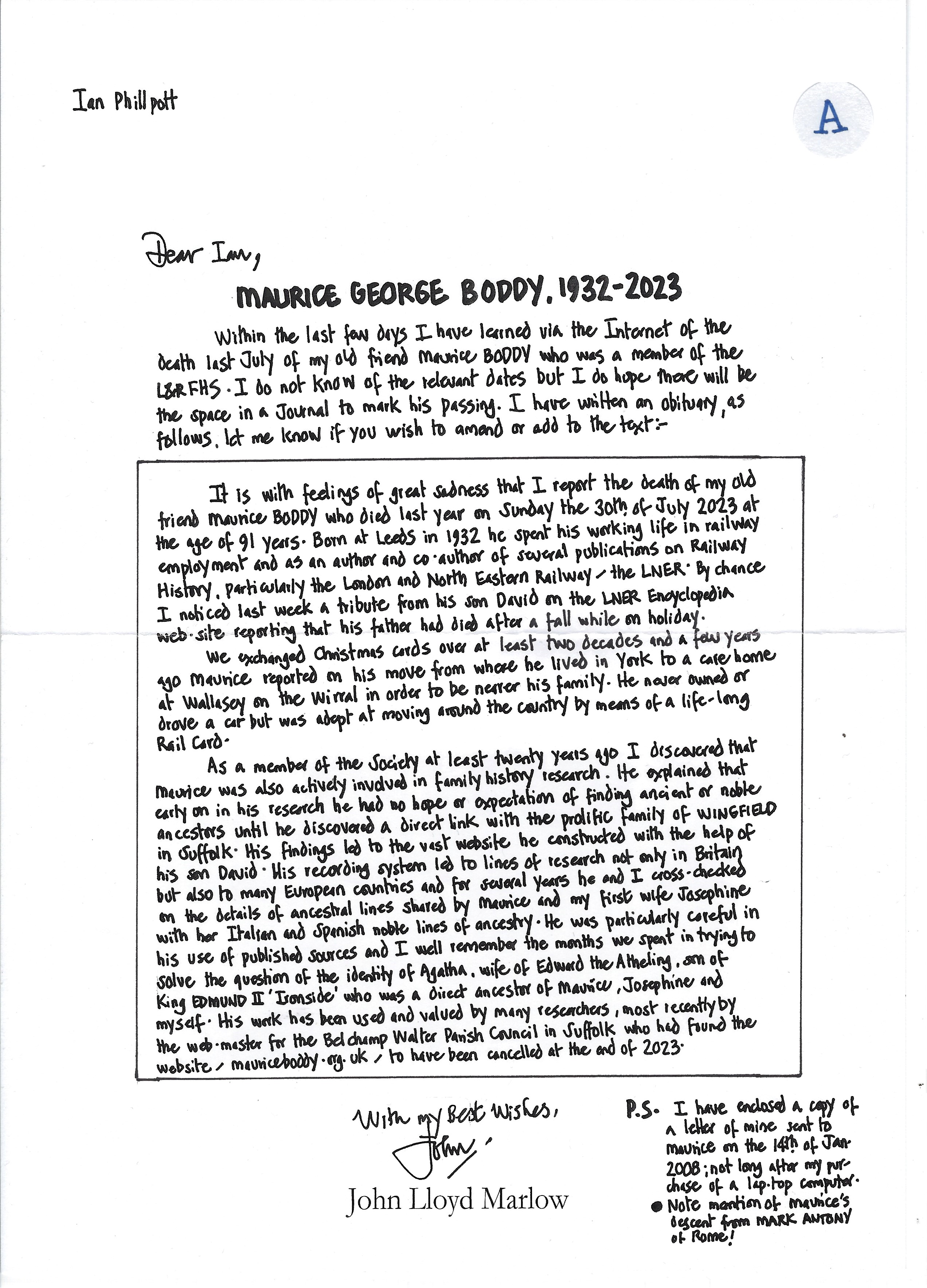
Scans of documents
I started this page so that I would have a central location for all of the PDFs that I have found. The PDFs are either downloaded I have a link to them on archive.org (or other source)
Having worked out a way not to allow the casual visitor access these files never to return I have decided to put the links on the relevent pages.
Need to move PDFs to the pdf directory - /images/Savage-Fortune-An-Aristocratic-Family-in-the-Early-Seventeenth-Century.pdf for example
March 2026: Tom Organ - church guides removed from server - now only accessible locally
It is becoming more common for me to scan a PDF and upload it to my server. In some cases I have opened
them in Google Docs so that I can extract text from them to incorporate into a webpage. In some instances I just
what to have an on-line access to the PDF itself.
While I have no objection to others accessing them and doing whatever they want with them I have no means
of tracking these visits apart from putting links to them on a seperate page. Even then cannot easily
track whether the links have been followed. I know that there is a way using the Google tools but that possibly
only covers the Google inspired visits and not the Bing and other searches or referrals from other websites.
PDF scans
Scans of articles are being removed from my server.
This page describes my process of aquiring and production of the PDFs used for my research
The documents I have scanned are not my own work and maybe copyright. While I have no problem with others quoting them and using them for their own work I don't want the documents to either be attributed to me or to the person that accessed them from my website.
Scanning Newspaper Articles
This is not easy! The way that newspapers are formatted, pictures interspersed
with text in columns, the scanning involves a lot of manual intervention.
I was thinking of subscribing to the British Newspaper Archive but I was a little put off as the samples that they give on their website often did not make sense. At first I thought this was due to the fact that they were trying to get you to subscribe so that you could see the "un-corrupted" article. Now I am not so sure
as it appears that it is still up to the subscriber to correct their scans and then upload a corrected version.
Top
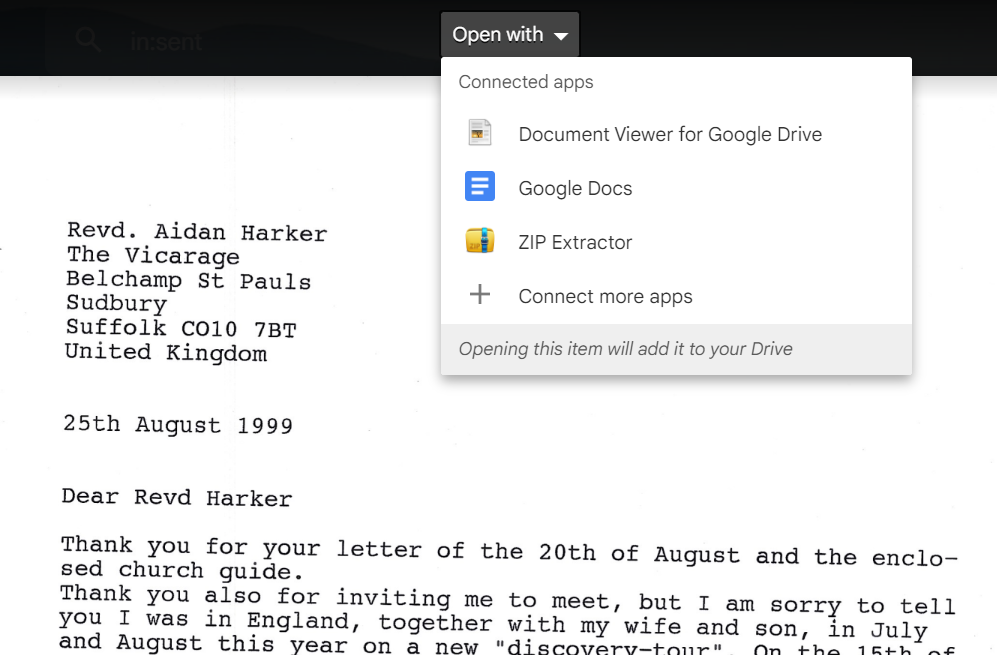
How-to open a PDF in Google Docs
Due to copywrite reasons this is not something that Google promote as it allows you to overcome the
fact that someone had PDF'd a document so that you cannot copy and paste from it.
The request to visit the church - Fred Kloppenborg
OCR - Optical Character Recognition
The British Newspaper Archive website says:
...... Although OCR makes it possible to search large quantities of full text information it is not 100% accurate.
The accuracy depends on a variety of factors: condition of the original newspaper or microfilm, quality of the paper,
size and style of the font and column layouts, for example.
When viewing an image, the OCR text can be viewed via the left navigation column 'All Articles' option.
You can select an individual article (either from the image in the Viewer or from the 'All Articles' dropdown.
Then select the 'Edit Article Text' option in the left navigation column.
How to correct the text - This option can be accessed by simply clicking the list of sections displayed
and applying your own corrections. By correcting the text,
you will be adding to the quality of the data that can be searched by others.
There is no mention of copying the article to incorporate into your own document, I presume that you can. In any
case I would to do my editing in my own emvironment not theirs!
I see on closer inspection that BNA (British Newspaper Archive) are part of Find My Past.
I.e. a commercial enterprise.