A Wordpress Practice site
Update August 2025
Having just attended a presentation by a company that specialises in providing services for small businesses, setiing up Social Media accounts, websites and more, I was taking to one of their principles about Wordpress.
This led me to update this page as I have had more thoughts on the use of Wordpress.
I still think that a practice Wordpress site is a good thing if you are committed to using it and want to be able to edit your own content. Using Wordpress has a steep learning curve and the person making changes to a website or blog that is live has to know what they are doing!
Looking at what I was saying about the Wordpress App I admit that I only have limited experience with this and maybe I cannot comment.
The original content
A great way to hone your Wordpress skills if you running and maintaining a "live" website or blog is to have a "Practice Site". This site is a "free" site but you will be able to trouble-shoot most of you want to do on your subscribed site without "breaking" it!
Some of the things you will be able to do is to become familiar with the Block editor and use it to create a basic Contact form.
Limitations
There will be some limitations on having a "free" Wordpress site and you will be constantly "hounded" by Wordpress to upgrade to a subscription. They will tell you that you will be able to do so much more with a paid subscription. Apart from having access to "Premium Themes" and the fact that you will have to be content with the wordpress URL for your site, a "free" site will enable you get a feel for the development environment and the user interface.
One of the biggest mistake that I see when someone "takes-over" the running of an existing wordpress site is that they will inevitably "break" it! I do not recommend that you use the mobile app if you are attempting this and that you stick to the computer interface at least until you are familiar with the site.
Having given up on the Village Hall website and hoping to transfer the ownership to another admin, I created a free practice account so that I can at least have an informed opinion in the rare case of being asked for advice!
I am confused! The menu editing seems to be completely different to what I see when logged-in to the Village Hall site. To add and edit the menu on the "practice" site is currently beyond me!
Eureka! - Wordpress want you to use the app........... i.e. they have Dumbed it down..........
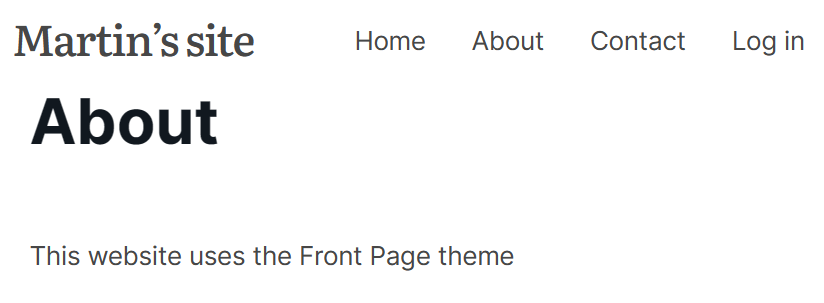
When I started the Practice site I (think) that I chose the Front Page theme. The selection of themes is another area where Wordpress do not make things clear in my opinion. I started another "free" wordpress site using the 2024 theme.
The Wordpress App
The use of the Wordpress App would explain the inconsistancy between the two (free) accounts. In fact if someone were to take-over the Village Hall website it would be a recommendation that they use the Android App. Here is a dilemma as although the mobile phone is constantly in their hands "real work" is done on a (Windows) computer.
The App seems to be more orientated at those that want to blog rather than the development of a "Web Presence".
As I have seen in the past, wordpress.com have "improved" their interface.
What The Daily Egg says: - about wordpress.com (and most definitely .org)
I don't really understand how a "novice" user can use the current Wordpress interface without a steep learning curve.
Having "grown-up" trying to use Wordpress I am still at a loss to see how to do certain things. Modifying an existing site ia one thing but starting afresh is another.
.org on Patterns:
Some help fromGoDaddy: